01
ACES Color Pipeline
Camera transforms, grading controls and creative looks share one consistent color-managed foundation.

OFX FOR DAVINCI RESOLVE

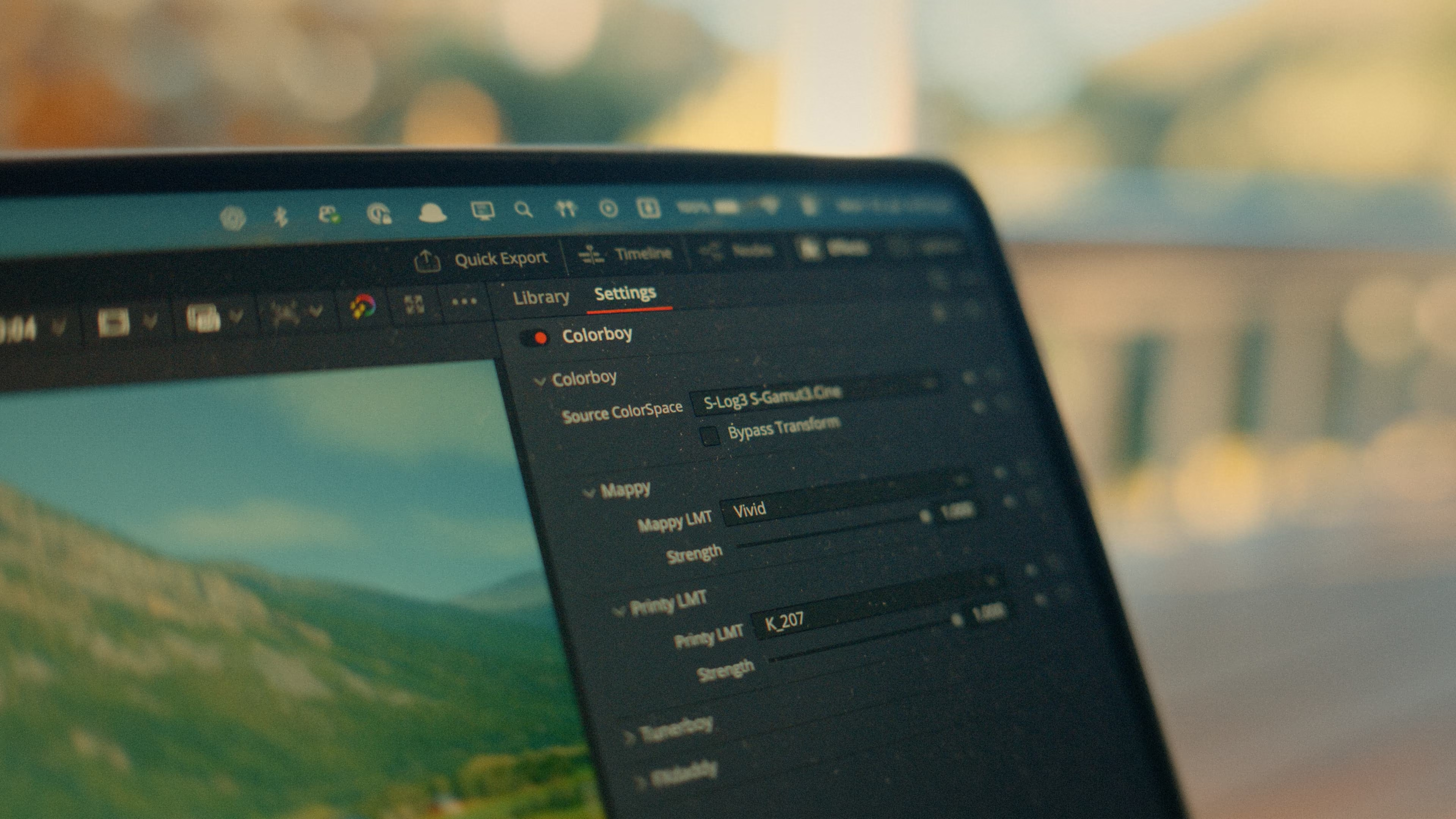
Build distinctive looks from camera transform to final look. Color, tone maps, print looks, grain, halation and lens character inside one color-managed OFX.
LIMITED LAUNCH PRICE
MACOS · APPLE SILICON · DAVINCI RESOLVE


Platform
DaVinci Resolve Free / Studio (currently)
Build Version
1.2.6 (Public Launch)
Framework
OpenFX / OCIO
Storage Requirements
300MB free space
Supported Devices
Apple Silicon MacOS 12+ Devices
Camera transforms, responsive looks, tone shaping, grain, halation and finishing controls all inside one color-managed OFX.
FREE WATERMARKED VERSION
Try the latest version of Colorboy with no time limit. The trial includes a permanent watermark that cannot be disabled.
What sets it apart

A color tool built on a dream pipeline.
What's Included
Compatibility
Works with both Free and Studio versions of DaVinci Resolve.
The current build of Colorboy is specifically designed for Apple Silicon chips - M-series Macs and supported A-series devices.
Intel based apple devices won't work as they are now considered deprecated by apple.
Cuda and Windows support is in the development pipeline!
FEATURES

Fast Custom Look Creation

Tunerboy Engine
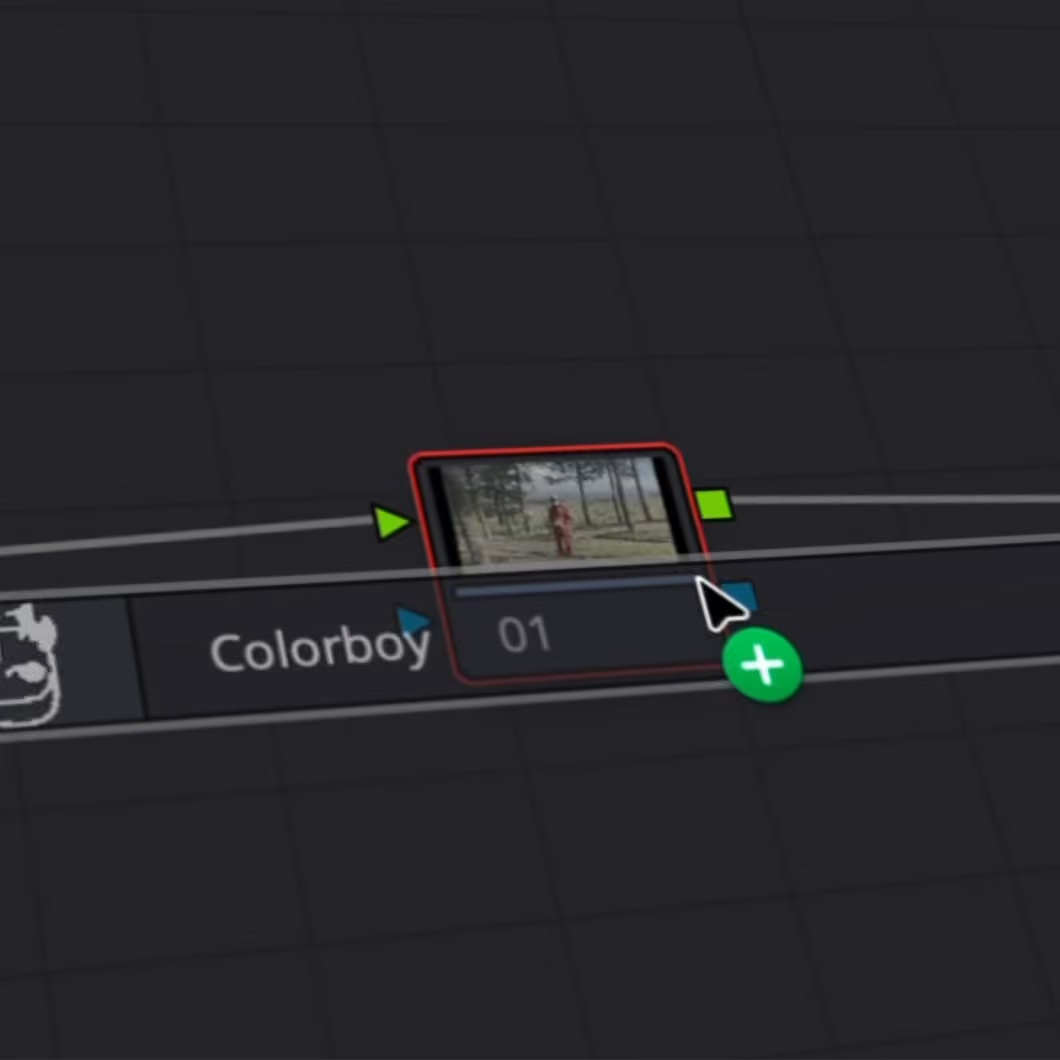
One-node Workflow

Responsive Grain
GPU Accelerated Playback
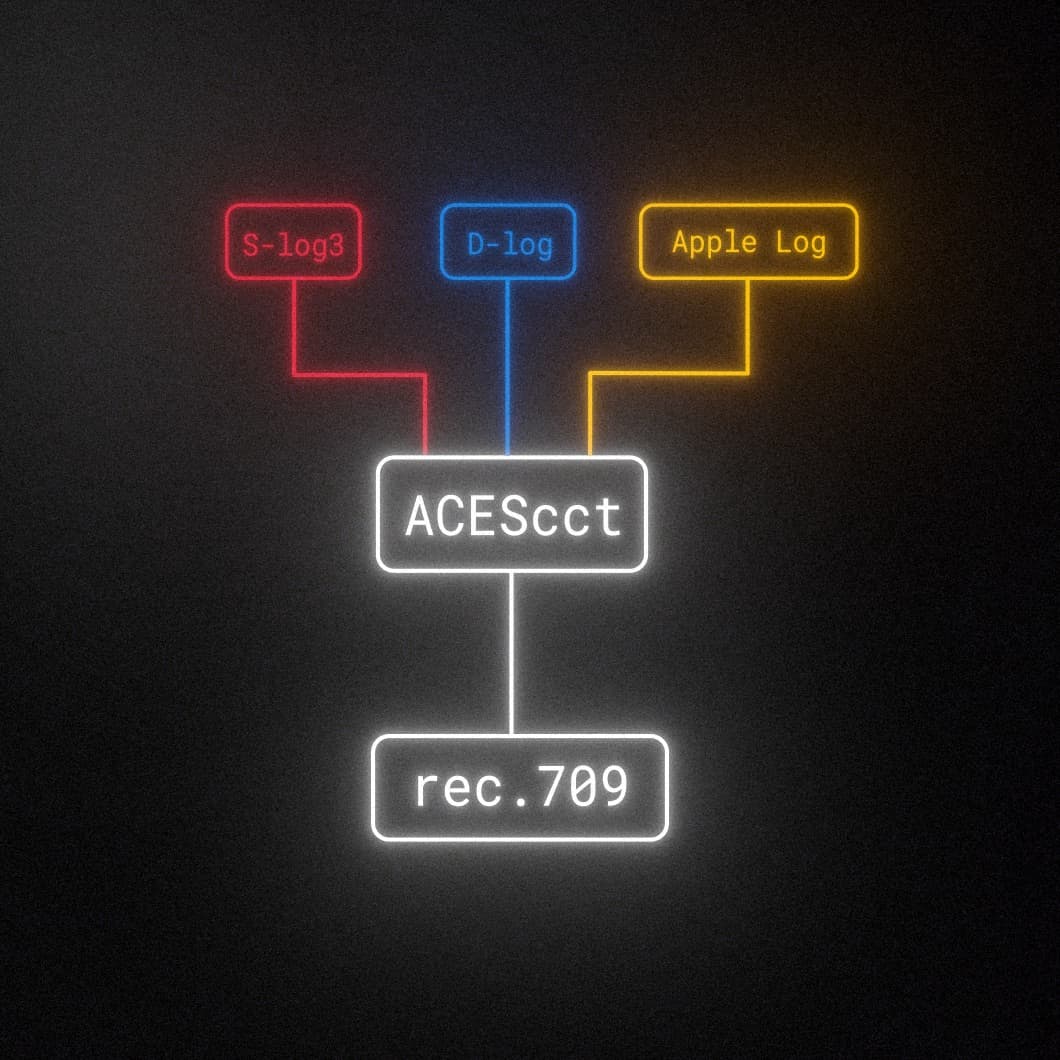
Built-In Camera conversions
OVERVIEW
IN ACTION
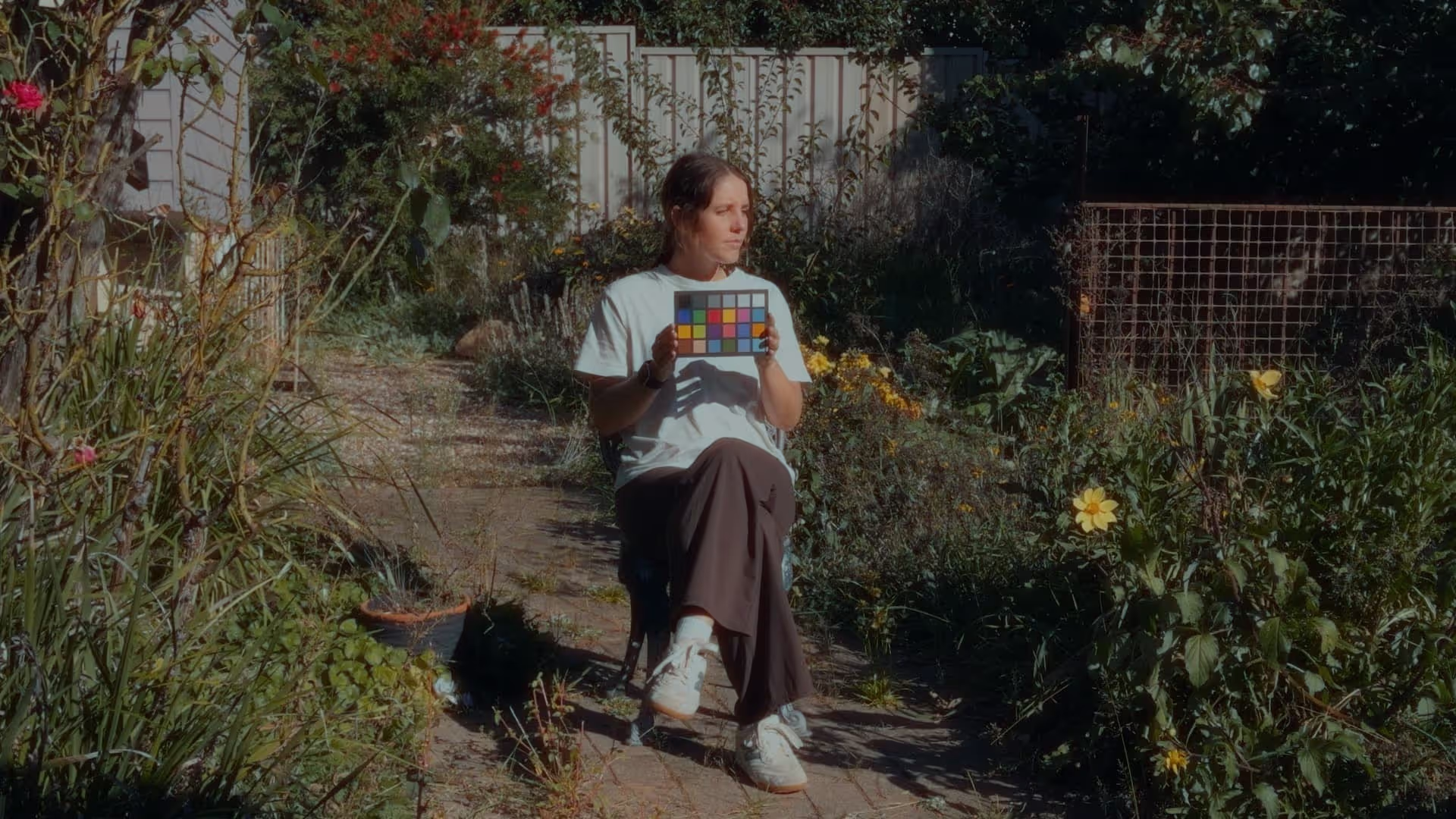
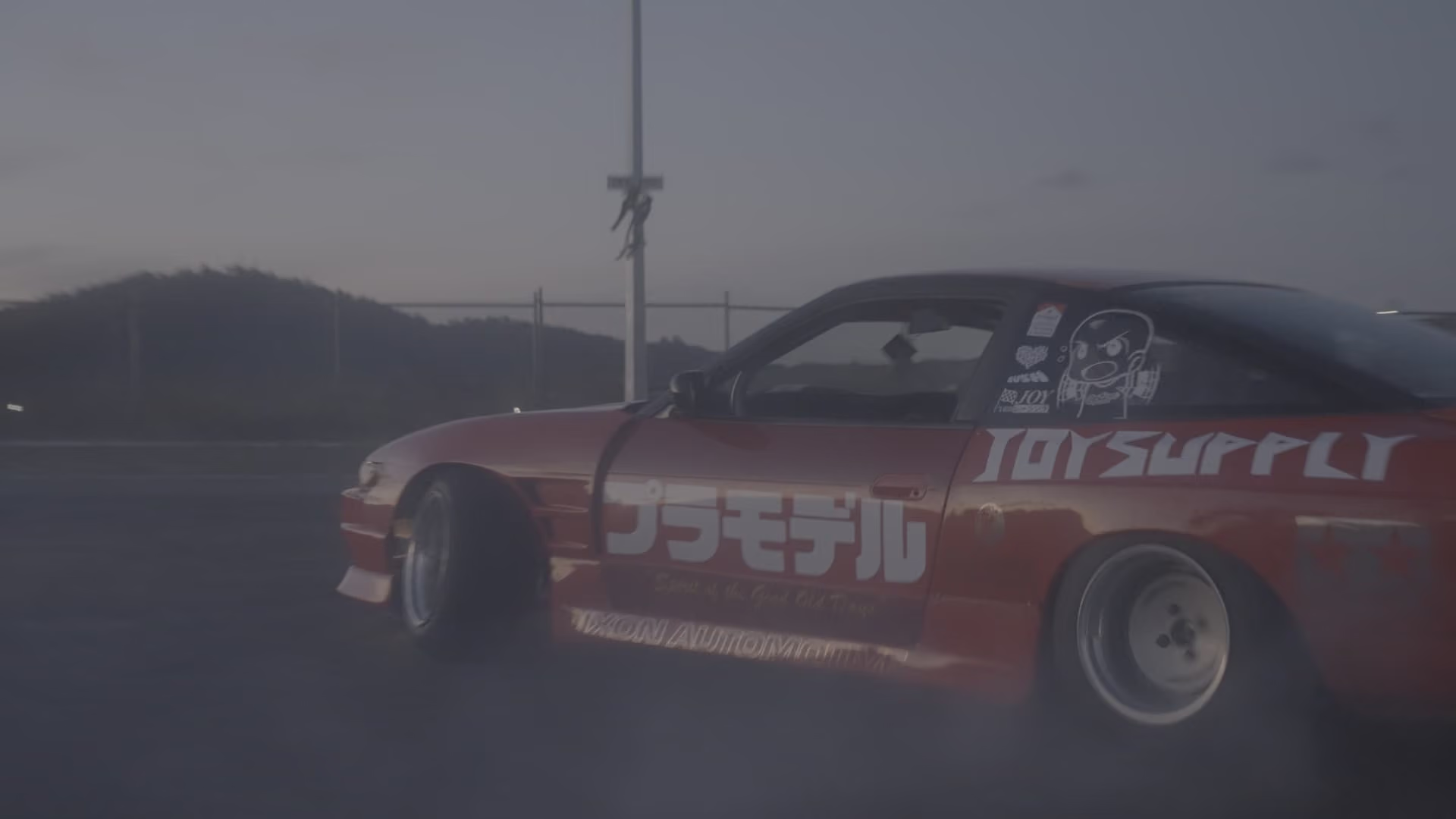
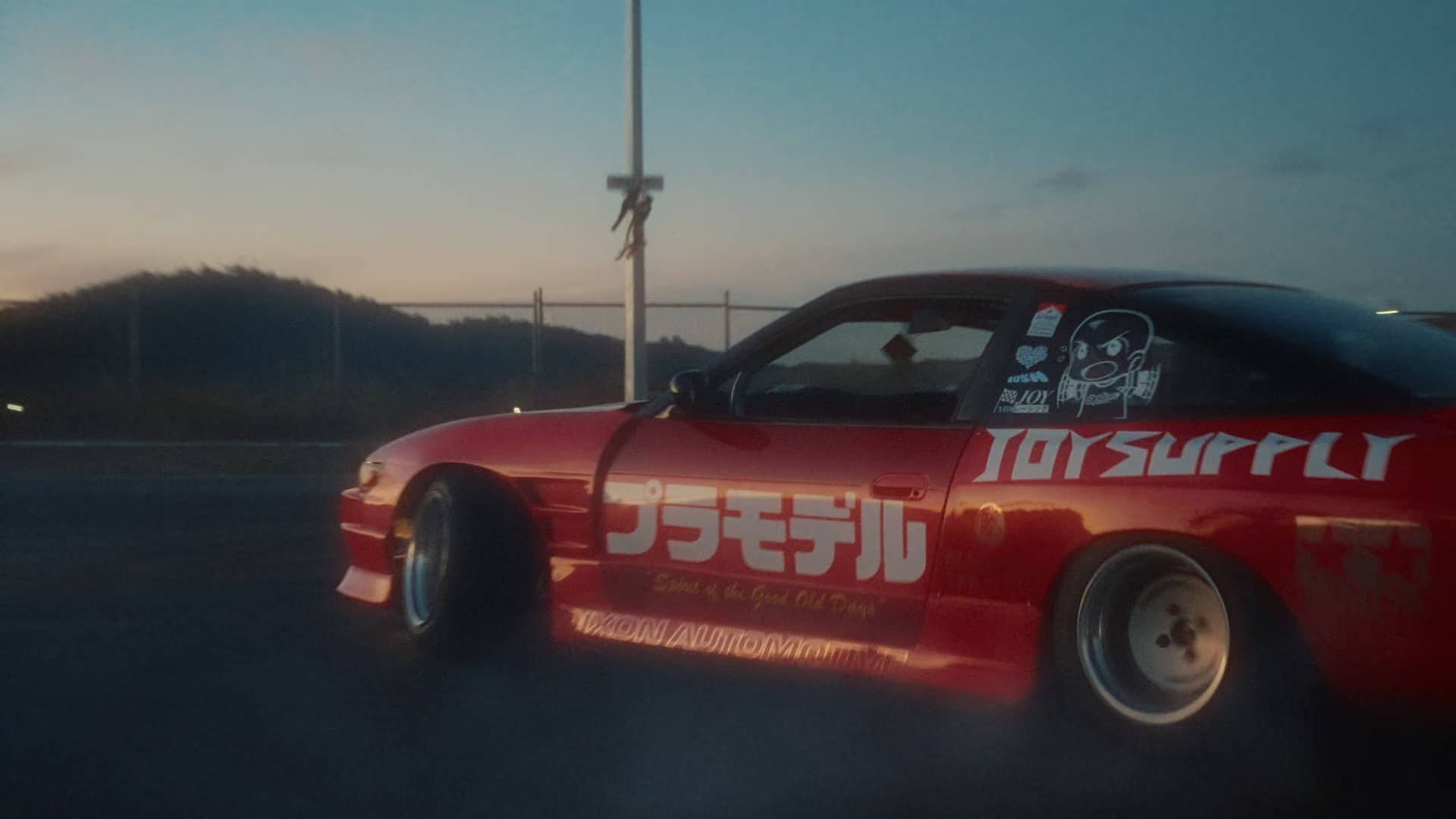
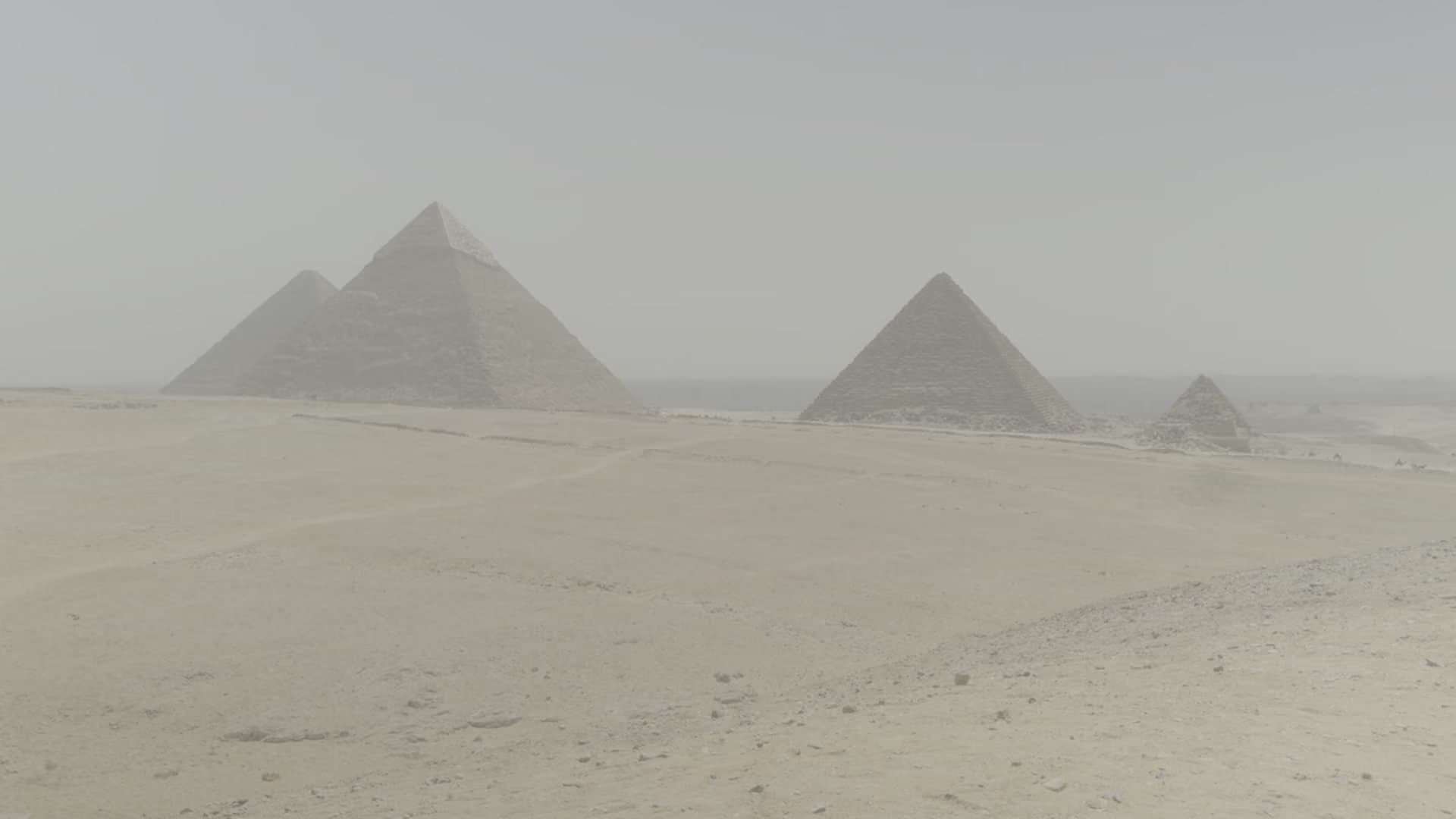
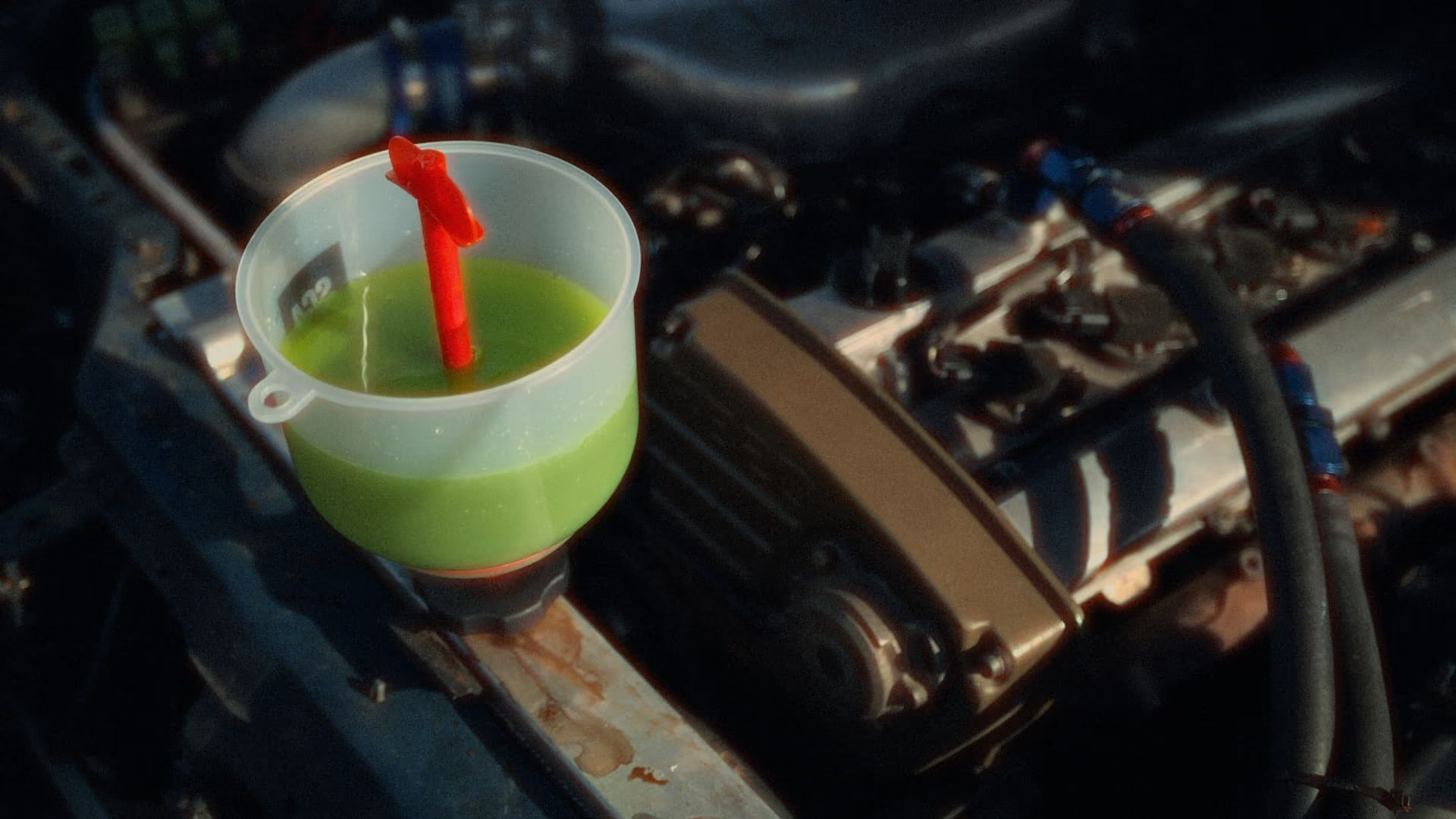
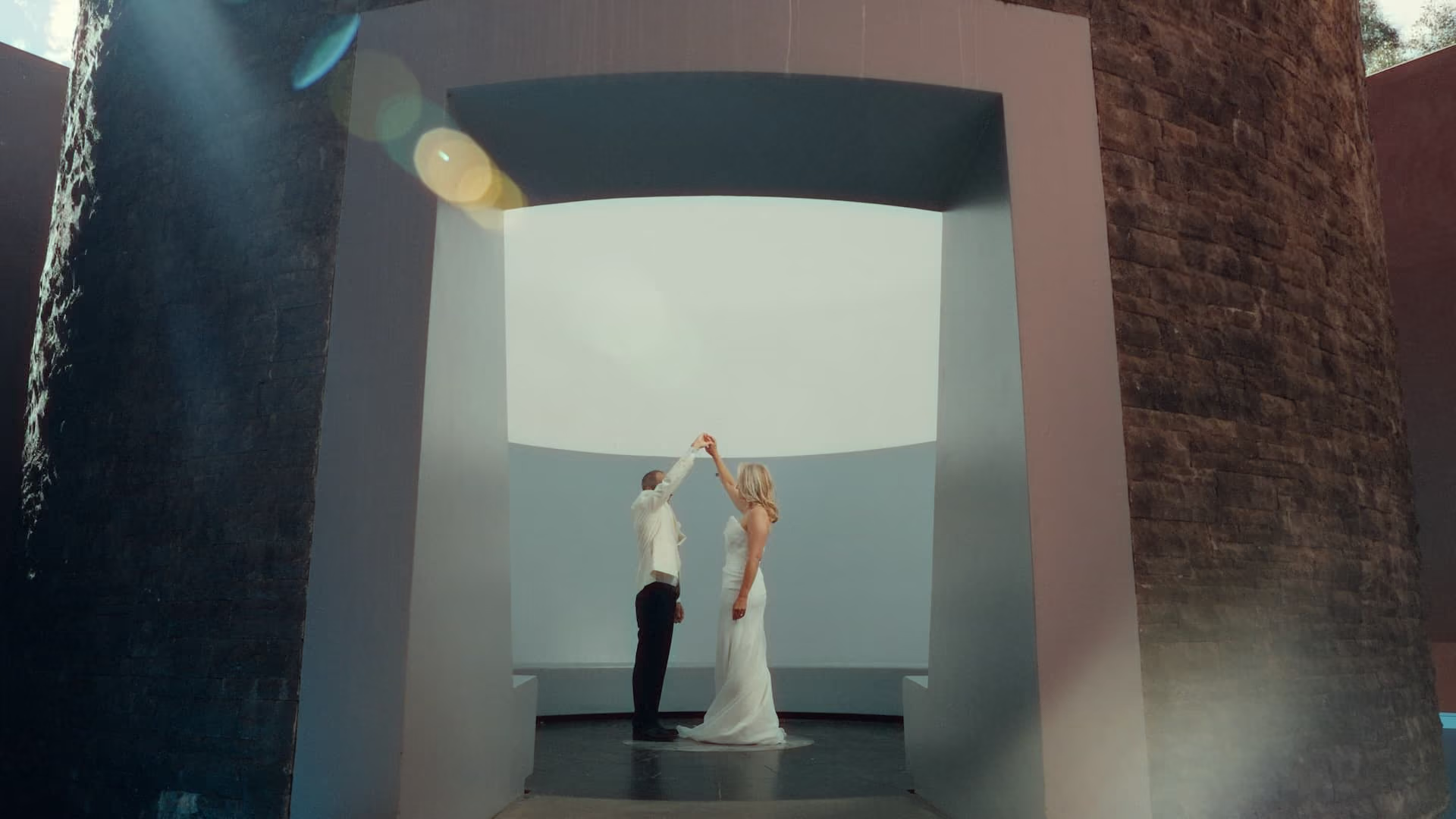
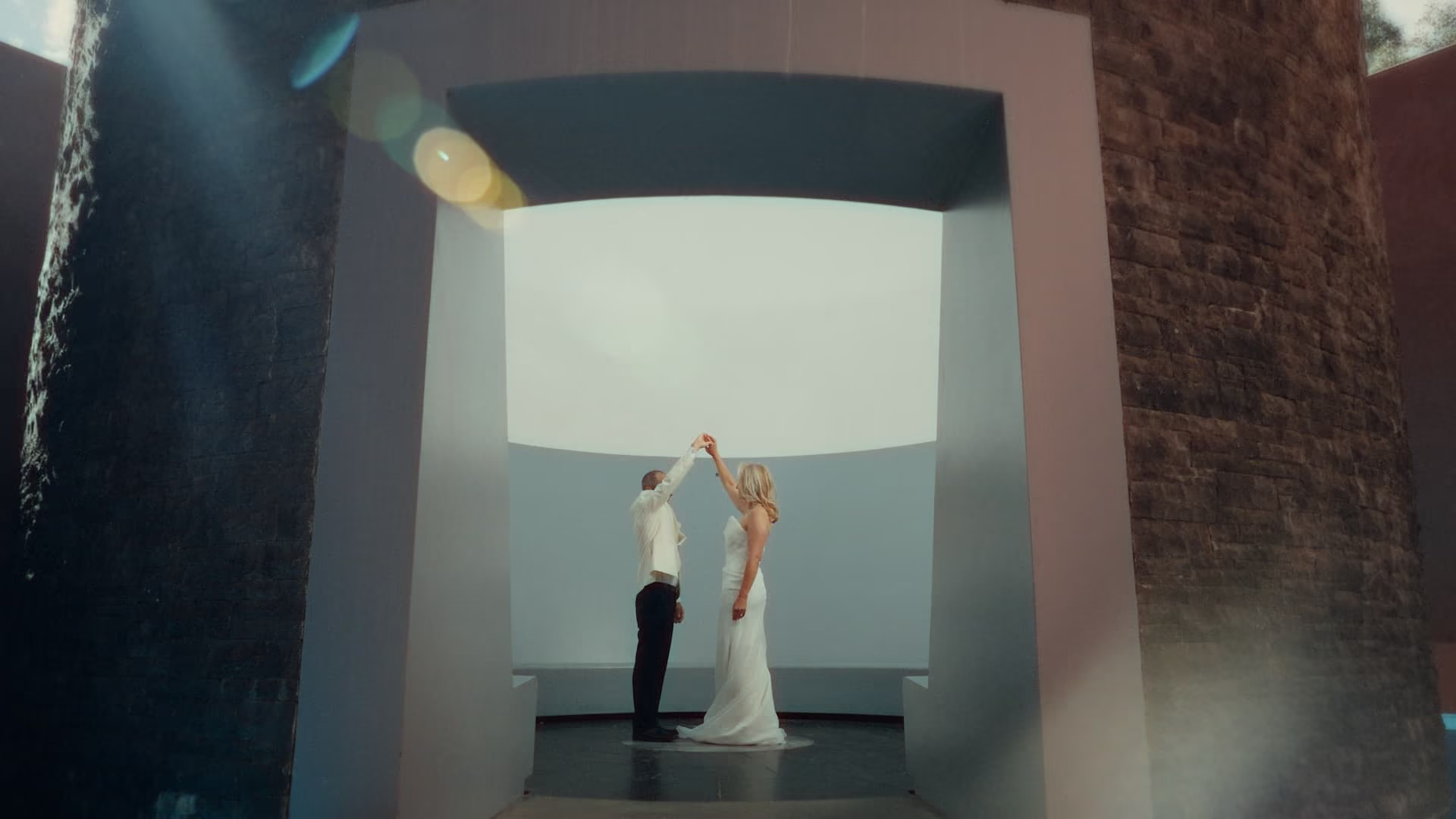
Different cameras. Different looks. One workflow.














TECHNOLOGY
Colorboy keeps the workflow simple, but there’s a lot going on behind the scenes.
01
Camera transforms, grading controls and creative looks share one consistent color-managed foundation.
02
Each adjustment operates in the color space best suited to the job, then returns cleanly to the pipeline.
03
Tone Maps and Creative Prints respond inside the image pipeline instead of behaving like simple baked LUTs.
04
GPU processing built for responsive playback and interactive control on Apple Silicon.
OpenFX · ACEScct · Metal · Apple Silicon
testimonials
“Now I can fool the internet that I'm good at driving with better colours”

Dori
@doriden
“I use colorboy for all my wedding films. Its simple, fast and consitently gives natural results "
“I started using it on the doco I'm working on and the tones are insane!”

Trent / Cowboy Hat Films
I'm new to Davinci Resolve, is Colorboy for me?
Davinci has a suite of world class tools, but as a beginner it can be daunting to get up and running.
Colorboy was made with workflow in mind to make editing easier from start to finish without sacrificing the quality. It’s designed for easy use and all you have to do is choose your footage type, pick a look and use the sliders to fine tune it.
Will it work on my machine?
If you are using a mac with an M series or A series chip (macbook neo) then yes! Windows / Nvidia cuda support is not available yet. Why? Because developing both Metal and Cuda shaders ain’t no easy task for a rat like me, but I am working on it!
Do I need the studio version of Davinci Resolve?
No, you do not need the studio version of resolve. Colorboy has its own built in effects pipeline (FXdaddy) that doesn't require any studio effects. It’s tried and tested on the free version of Resolve and even a base model MacBook Air to make sure anyone can use it.
What's different than using LUTs?
While LUTs are fully baked in transformations, Colorboy is a complete editing pipeline inside one plugin.
You can choose your camera type, apply tone and creative look transforms and then fine-tune the look to your preferences.
You get the speed of LUT workflow without being locked into a baked look.
How does Colorboy help match cameras?
Colorboy uses the OCIO SDK to convert your footage into an intermediate colorspace (ACEScct). This is accelerating using Metal Shaders and allows your footage to share a common denominator before the final output.
In future versions colorboy will allow for different intermediate spaces / conversions but for now simple is better.
What happens when a new version/update drops?
You'll recieve an email letting you know a new version is availble on your account!
If you have suggestions or feedback feel free to reach out - hello@precomp.co
I use this plugin myself and will continue to improve and add features that you will also receive when you buy.
How do I install Colorboy?
Sticking to the theme of easy to use, Colorboy comes as a ready to use installer. Once you get your download link all you have to do is double click to kick off the installer and it does the rest for you.
Colorboy will appear in your Color tab right away - just search and favorite it so it sticks at the top.
Can I install it on multiple devices?
The included perpetual licence includes use for 2 devices simultanously :)
What are the limitations of the Colorboy trial?
The free trial includes the complete Colorboy feature set and has no time limit. A permanent Colorboy watermark is applied while using the trial version and cannot be disabled. Purchase the full licence to remove the watermark.